Client portal
A better experience for your clients.
Less admin for your team.
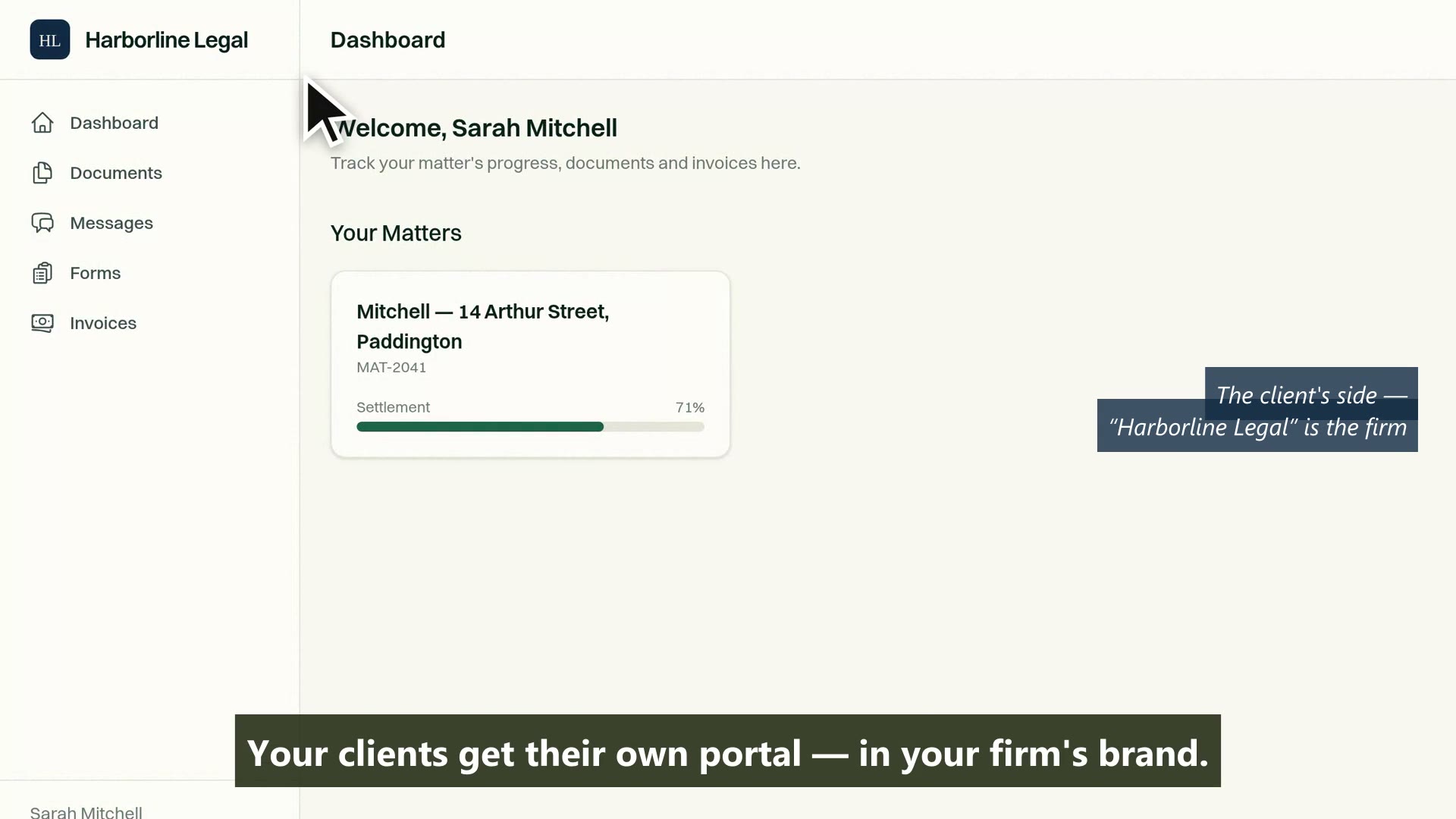
Clients track progress, upload documents, pay invoices and message your team from a branded portal. Fewer phone calls, fewer "just checking in" emails, and more time for work that needs a lawyer.
Last reviewed
What is a legal client portal?
A secure area where a client sees the progress of their own matter, uploads what the firm asked for, approves and pays invoices, and messages the firm without ringing. MatterFirst includes it on every plan with no per-client charge, and privileged documents stay out of it by default.
Matter visibility
Clients see progress, without calling you
A branded, mobile-friendly portal shows clients their matter status, upcoming dates and completed milestones. Configurable per matter type, share as much or as little as you choose.
- Real-time matter status and milestone tracking
- Key dates visible to the client on the matter
- Per-client, per-matter access: view documents, upload, message, pay, each on its own switch
- Mobile-responsive design, works on any device
Capability 1 of 4
Progress visible without a phone call.
Document sharing
Upload, download and sign, all in one place
Clients upload documents directly to their matter folder. Share completed documents for download. Request signatures. No more email attachments lost in threads.
- Client document upload with automatic matter filing
- Secure document sharing, one document at a time, nothing visible by default
- Document requests sent as a signed link that needs no account
- Per-document visibility, with privileged documents excluded outright
Capability 2 of 4
Documents in the matter, not lost in email.
Billing & payments
View invoices. Pay how your firm prefers.
Clients view their invoice history and outstanding balances in the portal. Firms that connect Stripe can switch on card payment so clients pay without leaving it; firms that bank by transfer keep their remittance details on the invoice instead.
- Invoice history with line-item detail
- Optional online card payment via Stripe, off by default
- Card payments recorded against the invoice, net of the Stripe fee
- Total and outstanding balance shown on every invoice
Capability 3 of 4
Invoices your clients can see, and pay the way you get paid.
Communication
Secure messaging, inside the matter
Portal messages are threaded to the matter, visible to the assigned team, and stored in the audit log. No more hunting through personal inboxes for client replies.
- Matter-threaded messaging with notification alerts
- File attachments on messages
- Team visibility, any assigned member can respond
- Full message history in matter timeline and audit log
Capability 4 of 4
Every message threaded to the matter.
MatterFirst is an AI-native legal practice management platform for Australian law firms, built for small and boutique practices by NorthCape Technology.
This suits firms whose clients ring to ask where things are, which in conveyancing and family law is most of them. It works best where matters run over weeks rather than hours. It is worth less to a firm whose clients are corporate counsel who would rather have an email than another login, and a portal nobody opens is worse than no portal.
FAQ
Frequently asked questions
Is the portal charged per client?
Can a client see documents they should not?
Can we brand it as our firm?
Do clients have to create an account?
Where is my data stored?
How much does MatterFirst cost?
Can I get my data out if I leave?
Is there a free trial?
Who builds MatterFirst?
Is MatterFirst suitable for a firm of my size?
Reviewed by Nick Hallam
Co-founder and Operations Director, NorthCape Technology
Aerospace engineer with a background in mission-critical software and complex systems integration, and the one who talks to firms about how they actually run. Keeps MatterFirst grounded in how firms operate, and reviews the practice-area and workflow pages on this site.
Last reviewed
Ready to give clients their own portal?
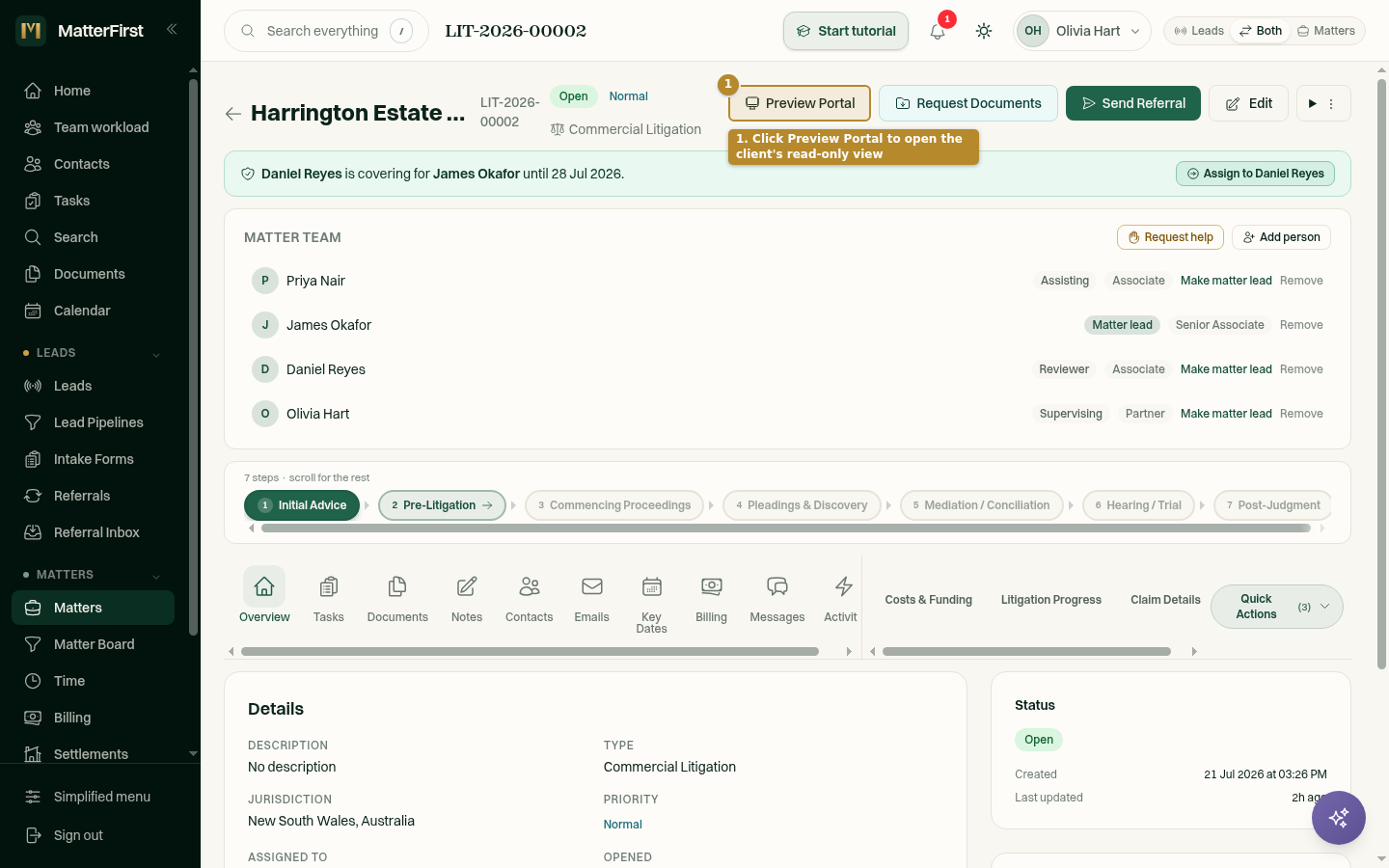
Book a demo and we will show you the portal from the client's side as well as yours, which is the side that decides whether they use it.
We can't find the internet Attempting to reconnect
Something went wrong! Attempting to reconnect